Changelog

Follow new updates and improvements to Postline.

Postline 2.0 is here — and you’re invited
Hey there ,

I’ve been quietly rebuilding Postline for the past several months. It started as an internal tool for my own LinkedIn workflow, and it’s grown into something I’m genuinely proud of — so I’m opening it up to 100 beta testers. You’re getting this because you used the original Postline, and I’d love your take on what’s new.

Here’s what changed (basically everything):

A workspace-level AI assistant that actually plans.
The old Postline had a post-level writing helper. The new one has a strategic assistant that knows your brand, audience, and past content. It brainstorms ideas, creates drafts, delegates to specialized post-level agents, and schedules everything on your behalf — all in one conversation.

Content calendar & scheduling.
See your whole month at a glance. Drag-and-drop planning, week/month views, recurring time slots, and one-click scheduling. No more spreadsheets.

LinkedIn analytics, synced automatically.
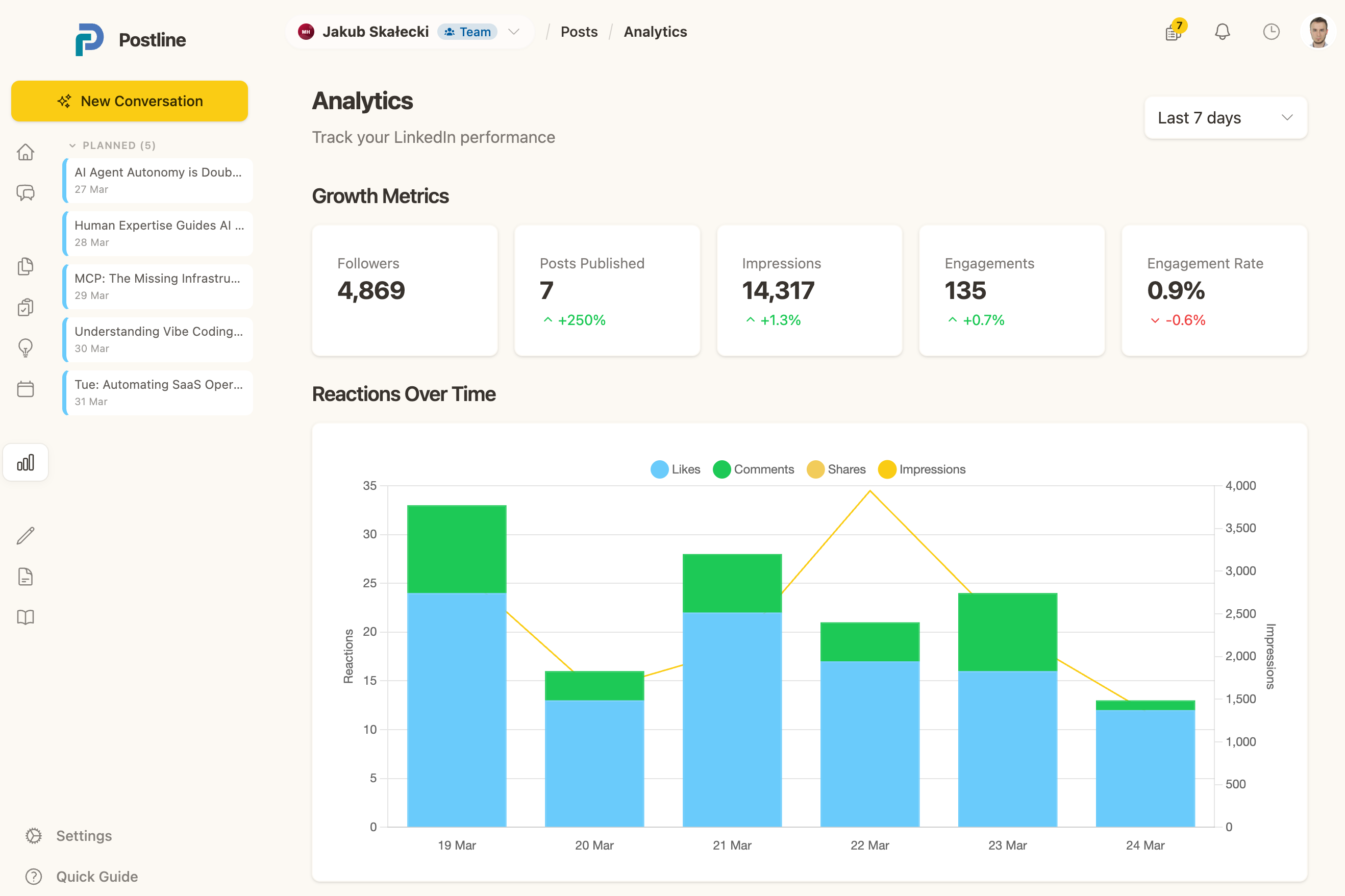
Track impressions, reactions, comments, and shares — all pulled from LinkedIn. See what actually resonates so you can do more of it.

Your voice, not a robot’s.
Feed it writing samples and the AI extracts your style. Every post sounds like you. Add your knowledge base (URLs, PDFs, YouTube transcripts) and it writes with real context, not generic fluff.

Real-time collaboration.
Multi-workspace support with roles (owner, editor, reader). Built for agencies and teams managing multiple accounts.

And there’s more — idea capture, templates with smart placeholders, image generation, voice input, in-app feedback — but I’ll let you discover those yourself.


It’s free during beta. No credit card, no catch.

Only 100 spots available. Two ways to get started:

  1. Sign up and start now → onboarding takes ~5 minutes

  2. Book a 15-min call with me → I’ll walk you through everything personally


One ask: Your feedback matters more than anything right now. There’s a feedback widget built right into the app — if something’s broken, confusing, or missing, I want to hear it. This is a real beta, and your input shapes what comes next.

Thanks for being an early user. I hope you’ll give the new Postline a spin.

— Jakub
Randomize Posting Times & First Comments!

We're thrilled to announce some exciting new features and several quality-of-life updates designed to make your LinkedIn posting even more effective and seamless!

New Features:

  • Randomized Posting Times for a More Natural Look:
    To help your content appear more natural to the LinkedIn algorithm, you can now randomize your posting times! When you're on your "My Schedule" page, simply click the "Edit Schedule" button. You'll see a new checkbox labeled "Randomize Posting Time." Check this box, and all posts in your schedule will be published within a 15-minute window of their scheduled time. We highly recommend everyone enables this feature for optimal reach and engagement!

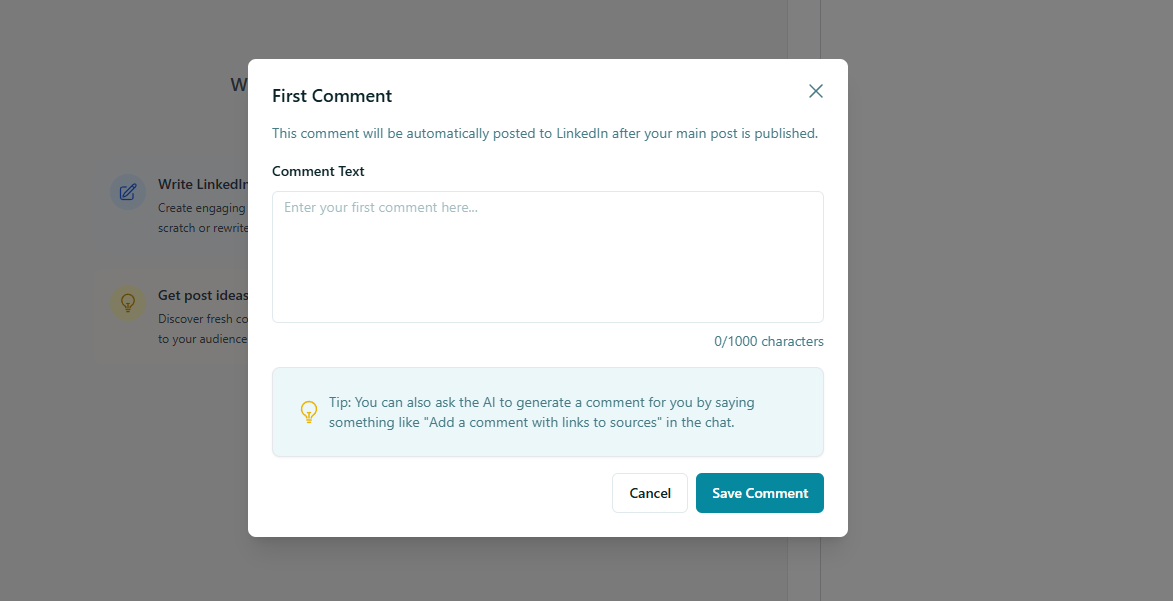
  • Effortlessly Add a First Comment to Your Posts:
    Engage your audience from the get-go! You can now add a first comment directly to your posts. When creating a new post, look below the editor, next to the image upload button. You'll find an option to configure and write your first comment. This comment will automatically be published by you immediately after your main post goes live. You have two convenient options for crafting your first comment:

    • Write it yourself: Simply type out your desired content.

    • Let the AI do the work: Tell the Postline in the chat to set a first comment for you. You can even specify if you want it to include links to sources or other relevant information!


We hope these updates significantly enhance your Postline AI experience! As always, we're continuously working to improve our platform and help you maximize your LinkedIn presence.

Postline Update: Image Generation & Referral Program

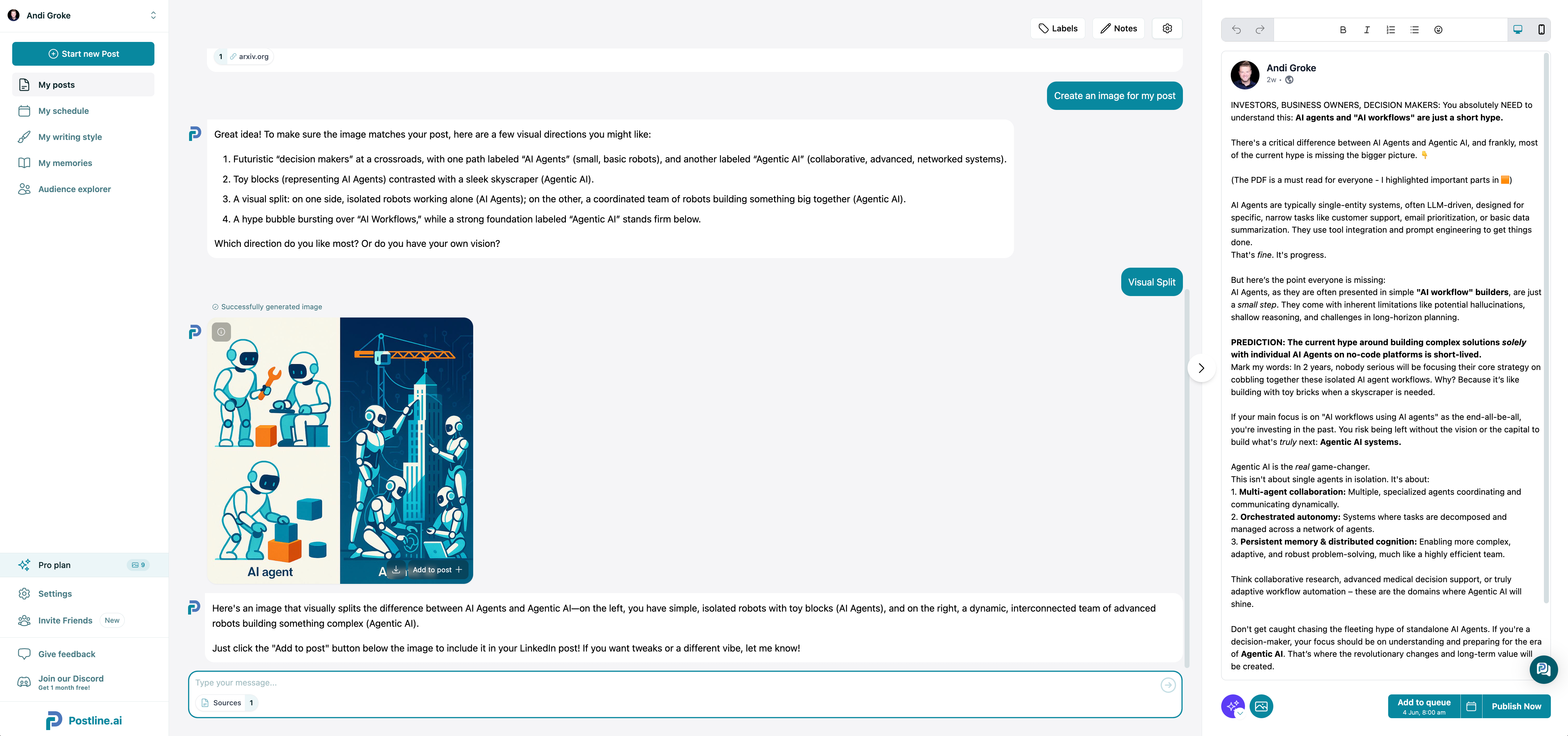
🖼️ Image Generation is Here (Beta)

You can now create custom images for your LinkedIn posts, directly inside Postline!

Just tell Postline to “generate an image,” and it will automatically design one based on your post content. Want more control? Add a detailed prompt to guide the image’s style, elements, or vibe.

Once the image is ready, you can instantly attach it to your post and schedule it like usual.

Since image generation is pretty expensive, we had to limit it to 10 generations/month in the Pro plan and 50 generations/month in the Business plan.
But you easily purchase additional credits if you like it!

This is our first beta release, and we’re excited to see how you use it. Over time, we’ll be improving image quality, aligning visuals better with LinkedIn aesthetics, and adding customization options.

➡️ Try it out, get creative, and let us know what you’d love to see next!


📣 Invite Friends, Earn Rewards: Referral Program Launched

You can now earn money by sharing Postline with others.

Here’s how it works:

  1. Share your personal invite link

  2. Your friend gets a 14-day extended trial

  3. You earn 20% of any revenue we make from their subscription

  4. Payouts happen monthly once you reach $100

This is a manual process for now, but it’s live. So if you’re excited about Postline, now’s a great time to share it—and get rewarded.


Let us know what you think, and thanks for helping shape Postline.ai!

– Andi & Jakub

Earlier updates